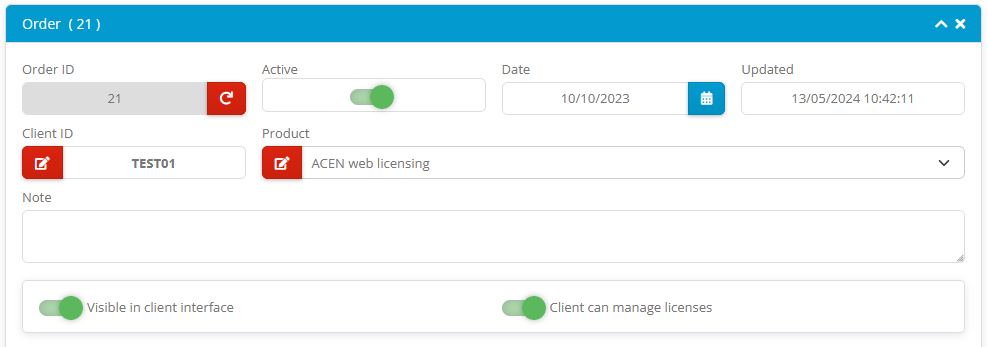
The General settings section defines core properties, visibility flags and client interface permissions for each specific order.
| Field | Description |
|---|---|
| Order ID | Unique Order ID (integer value) |
| Client ID | Client ID |
| Active | Order active/disabled flag. Order can be deactivated for various reasons (refund/chargeback). Client will not be able to manage licenses for deactivated orders. |
| Date | Order date |
| Updated | Updated timestamp |
| Product | Select one of available products from dropdown (only active products are listed here) |
| Note | Custom order note |
| Visible in client interface | If enabled, order will be displayed in client interface. (default) If disabled, client will not be able to see this order in the list of his orders. This also means that licenses for such order can be managed by ACEN administrator users only. |
| Client can manage licenses | This option will be available only if "Visible in client interface" option is enabled. If enabled, client will be able to manage (add, remove, transfer or reactivate) licenses for this order. (default) If disabled, client will only be able to review licenses for this order and send activation emails. |