This page is used for managing orders for your clients.
All orders can be filtered by date (period), order status (all/active/disabled), Product, Client (by using customer id) or by Order ID.
By default, all orders for current month are listed in main table. Default period can be changed in admin interface options.
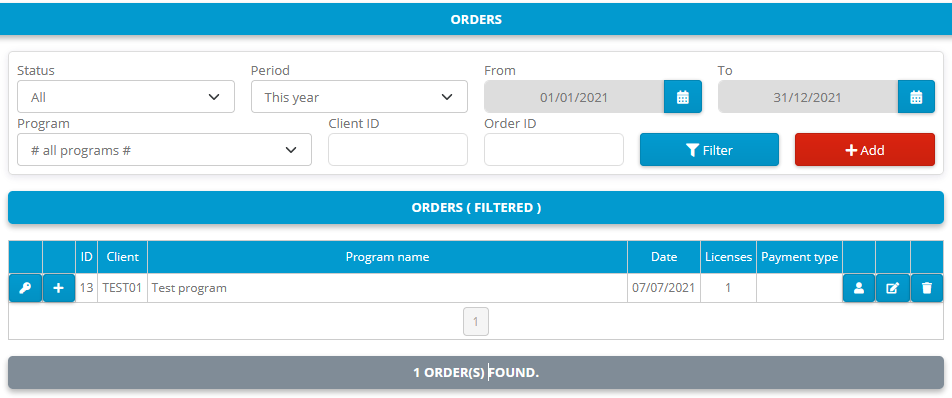
- Delete Order from database (you will be prompted before actually erasing order from database)
- View Order details.
- View Client details.
- List all licenses for Order.
- Add new license for specific order
Basic details, unique order identifier (Order ID), status, date, product and client interface settings.
If serial numbers are enabled for product each order for that specific product will hold appropriate serial number.
Subscription settings for orders for products with Subscription enabled
Order payment information and purchased/granted licenses settings.
Custom data for Order.