This page allows you to manage and configure your products (applications) within the Activation Center (ACEN).
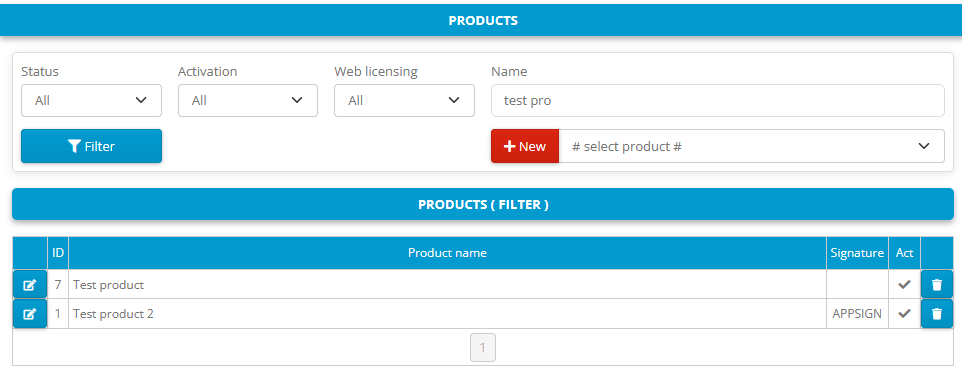
Click on New button to add new product.
Select product in the list of active products and click on this button to add new product based on existing active product. If no product is selected in the list of products new product will be based on empty product template.
Click on Filter button to search for products table with all products.
Products can be filtered by status (all, active, not active), activation (all, required, not required), web licensing (all, enabled, not enabled) and product name.
Click on to delete product from database (you will be prompted before actually erasing product from database).
Click on to edit product details.
Product configuration sections
Basic details, unique product identifiers (Product ID), and pricing parameters.
Time periods, duration adjustments, and activation validity rules.
Program protection properties, ID setups, flexible locking, and licensing limitations.
Management of web license models, encryption, secure keys, and Web API interface parameters.
Generation parameters, seed values, valid ID ranges, and blacklist editor controls.