The Licenses grid displays all licenses issued for the selected Order, including license status, activation details, hardware locks, and real-time floating session activity.
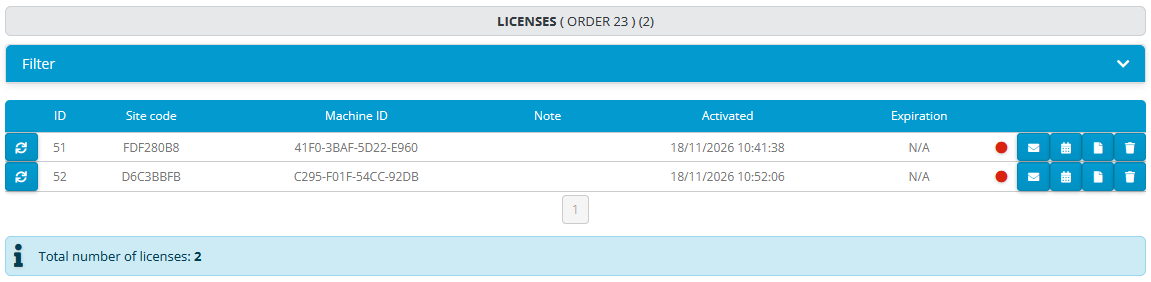
Licenses Grid Actions
Update license: Modify license properties, custom features, counters, or expiration settings.
Deactivate / Remove license: Deactivate the license in the database (a confirmation prompt is displayed before removal).
Activation email panel: Open the email panel to send license activation details directly to the client.
License history: View the complete audit log of activation, validation, update, and removal events for the license.

License details: Open the detailed license view to inspect activation codes, hardware locks, and manage floating session events.
Floating Session Status Indicators New
When Floating Licensing is enabled for the Order, each license displays a color-coded status indicator showing its current runtime session state. Hovering over the indicator displays the exact UTC timestamp of the last received session event (Last alive).
| Status | Indicator | Description |
|---|---|---|
| Unknown | Gray | No session activity has been reported yet (or the license was created before Floating Licensing was enabled). |
| Starting | Blue | The protected application has recently started (or was newly activated) and claimed a floating seat. |
| Running | Green | The application is actively running and sending periodic heartbeat pings within the configured Session timeout window. |
| Closed | Red | The application has closed normally and released its floating seat for other users. |