The grid displays filtered web licenses along with real-time floating session status indicators (Unknown, Starting, Running, Closed), deactivation options, and audit history.
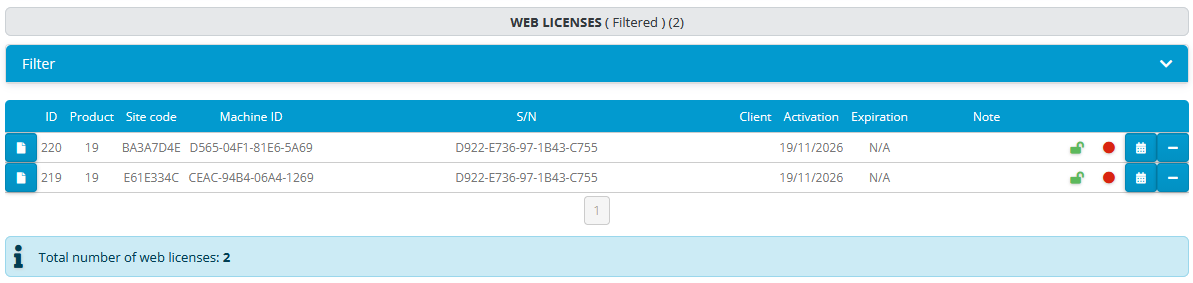
Click on button to view web license details.
Click on button to remove (deactivate) web license license. Button will be disabled for already removed web licenses.
Note: Web license will only be marked as inactive and not actually deleted from database. It will no longer be available for protected application which was originally granted this license. For example, this means that inactive license can not be reactivated. License validation task (out of the box implementation of web licensing) will detect if license is removed and "if license is removed" action will be executed by protected application in this case.
Web license history
Web license history panel contains complete information about web license history. Use web license history panel to easily review all license changes from initial activation to current license.
Click on button to view web license history.
